

Deploying a Telegram Bot Built with Node.js on IBM Cloud
0. Cloud Refugee
For a while I had been happily using the micro server on the Naver Cloud Platform for free, but as of June 1, 2018, it became a paid service, so I could no longer keep the server running. It was only 13,000 won a month, but still, I’m a poor developer… So I took this opportunity to move my server over to IBM Cloud, which offers a free cloud server. Among the many cloud services out there, the reasons I chose IBM are…
- It’s free (this is the most important one)
- It’s convenient to be able to use cloud foundry
- I had used it back when it was called BlueMix
Those are the reasons.
1. The Service to Deploy
The service I’m putting up this time is @hangifbot. It’s a Telegram chatbot built with Node.js, an inline bot that searches for gif images using the Microsoft Cognitive Service Bing Image Search API (what a long name). It works a bit like KakaoTalk’s #Search (Sharp Search). In the past, Telegram’s built-in inline bot (@gif) had the inconvenience of not supporting Korean search, and this bot was made to solve that. Now that the @gif bot supports Korean search, it’s not as useful as it used to be, but I figured there was still some value in being able to do a Bing search, so I kept it alive.
2. Creating the Server
I launched the Node.js server as a cloud foundry application. Here’s how to do it.
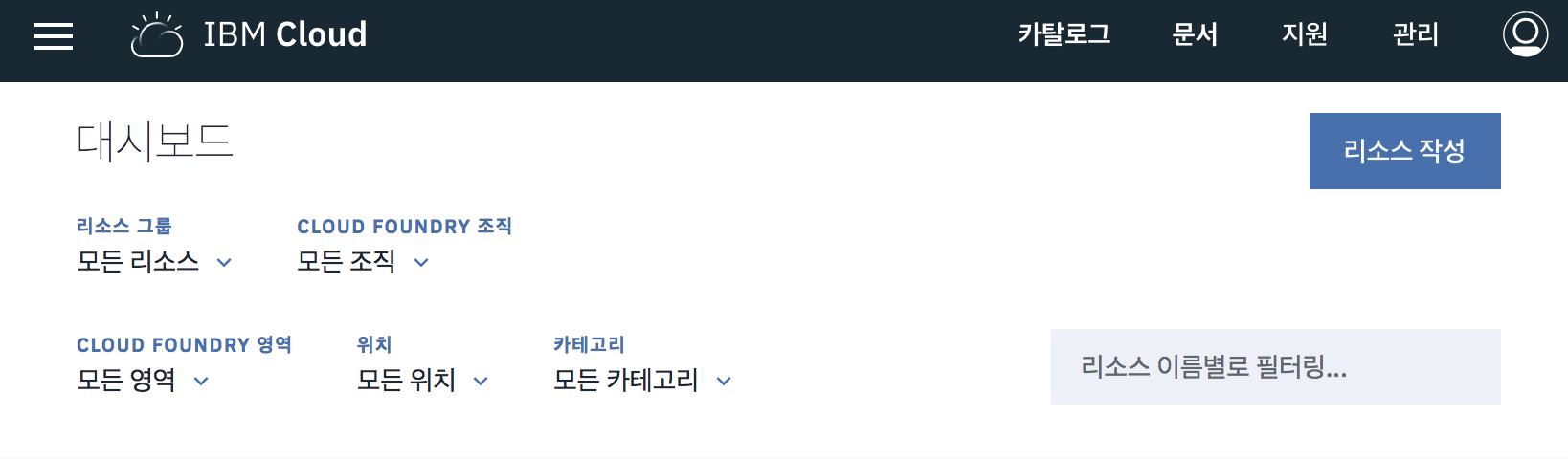
1.Click Create Resource
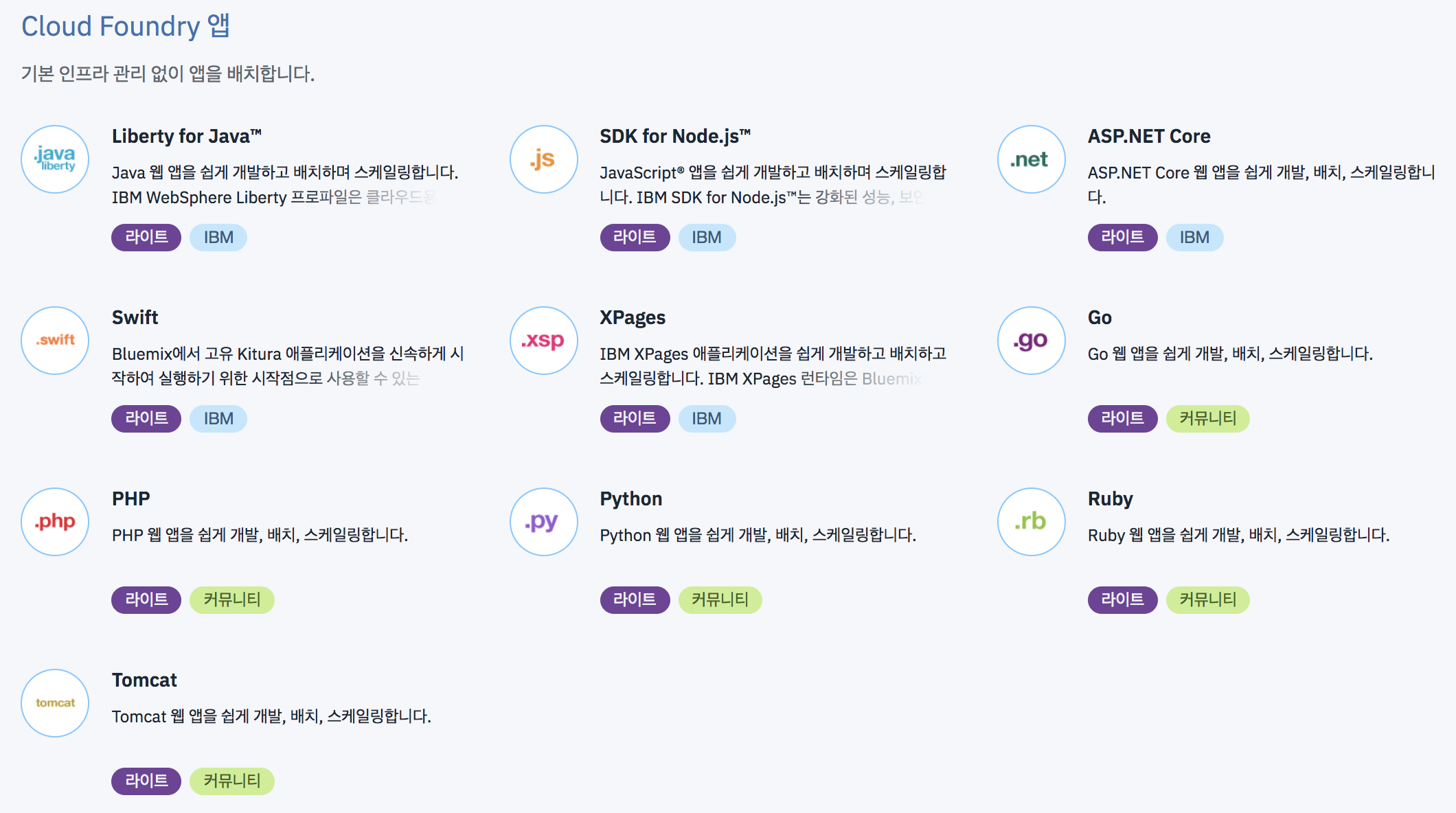
2.Among the Cloud Foundry Apps, select SDK for Node.js.
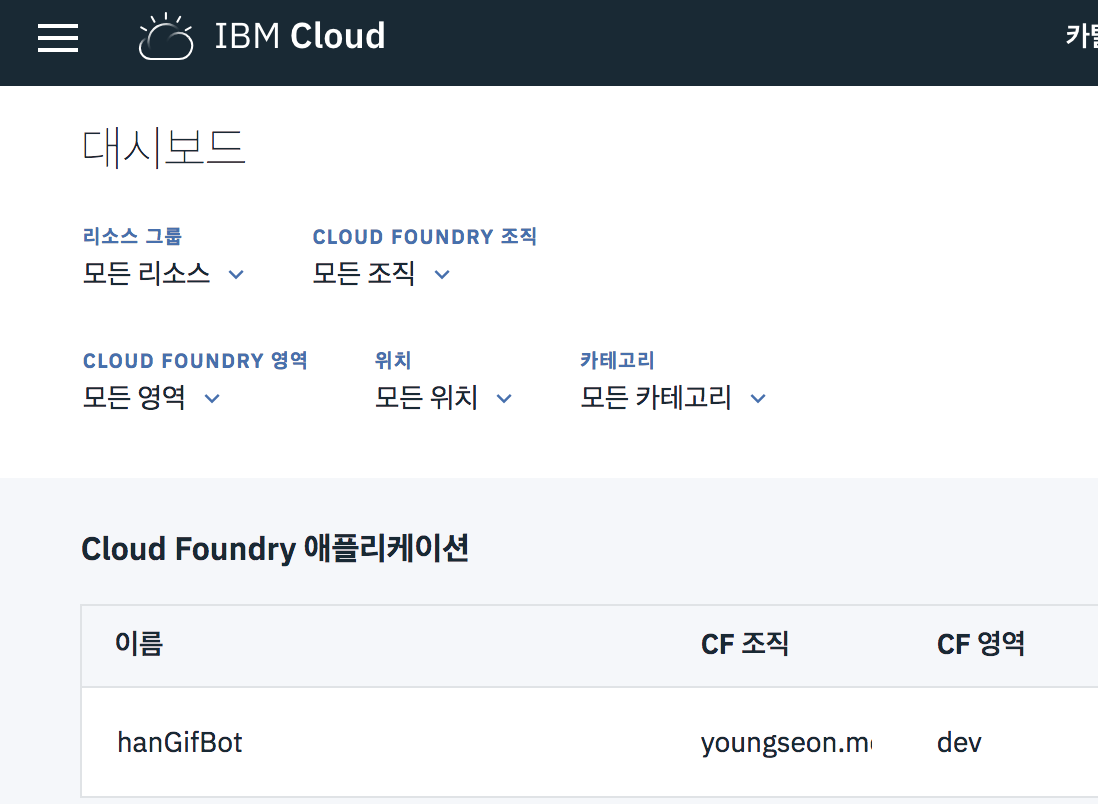
Now the server is created.
3. Configuring
To use a Cloud Foundry app, you need to create a manifest.yml file in the app’s root path to configure it. I’m not in a position to explain it in depth, so I’ll just post a simple example file.
# manifest.yml
applications:
- name: hangifbot
  instances: 1
  memory: 128M
  disk_quota: 1024M
  no-route: true  # this app doesn't need a router
Specify the run command in package.json.
# ...
"scripts": {
    "start": "node bot.js"
  }
# ...
4. Deploying
Let’s deploy by referring to the official docs.(link broken)
1.Install IBM Cloud Develop Tools
First, install IBM Cloud Develop Tools. You might wonder why I’m bringing up IBM when I said I’d build it as a cloud foundry app, but IBM Cloud Develop Tools is an extended version of the Cloud Foundry cli, so don’t worry and just install it. The installation takes a little while.
2.Deploy
First, let’s make sure the service runs fine on my local machine. If it runs without problems, we’re all set. Now bring up a command window, move to the location where the service to deploy is, and enter the following commands. You might wonder why I’m typing bluemix as a command when I installed the IBM Cloud cli, and it’s because bluemix was the old name for IBM Cloud.(As of 2019.06.13, the bluemix command can no longer be used.)
# It varies by region, but if you're on the light plan (free), it should all be ng (US South)
# bluemix api https://api.ng.bluemix.net
# 2019.06.13. You no longer need to run the command above

# For the ID, use your own email account
# bluemix login -u youngseon.me@gmail.com # 2019.06.13. unusable command
ibmcloud login

# Enter your ID/PW

# You can just type bx instead of bluemix. -> (2019.06.13. no longer works)
# In the command window, decide where to deploy the app running at your current location (where to set the target).
# bx target --cf # 2019.06.13. unusable command
ibmcloud target --cf
Now, when you enter this command the way IBM Cloud’s getting-started guide tells you to,
# bx app push hanGifBot
ibmcloud cf push
it seems to upload fine at first,
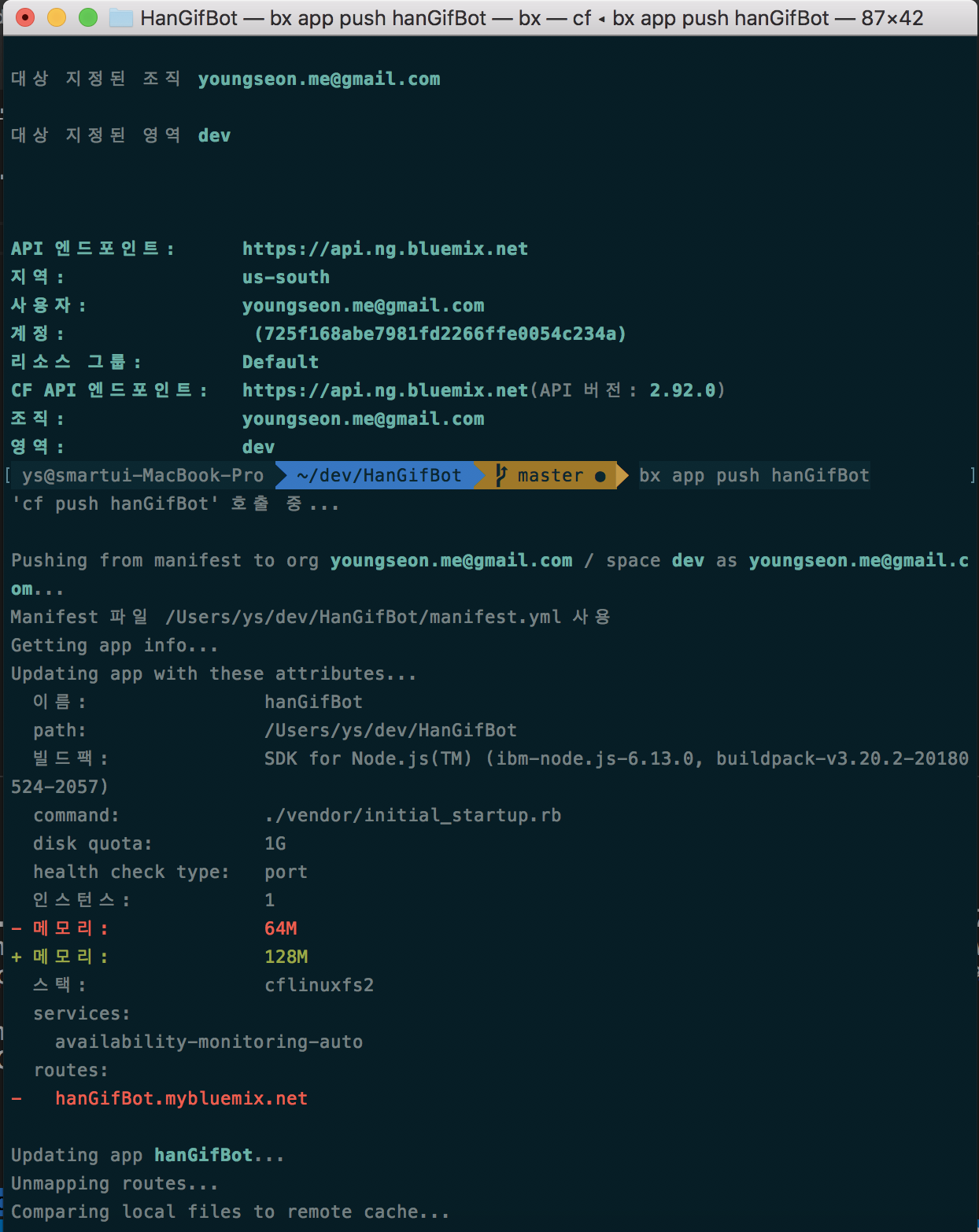
but then this error pops up.
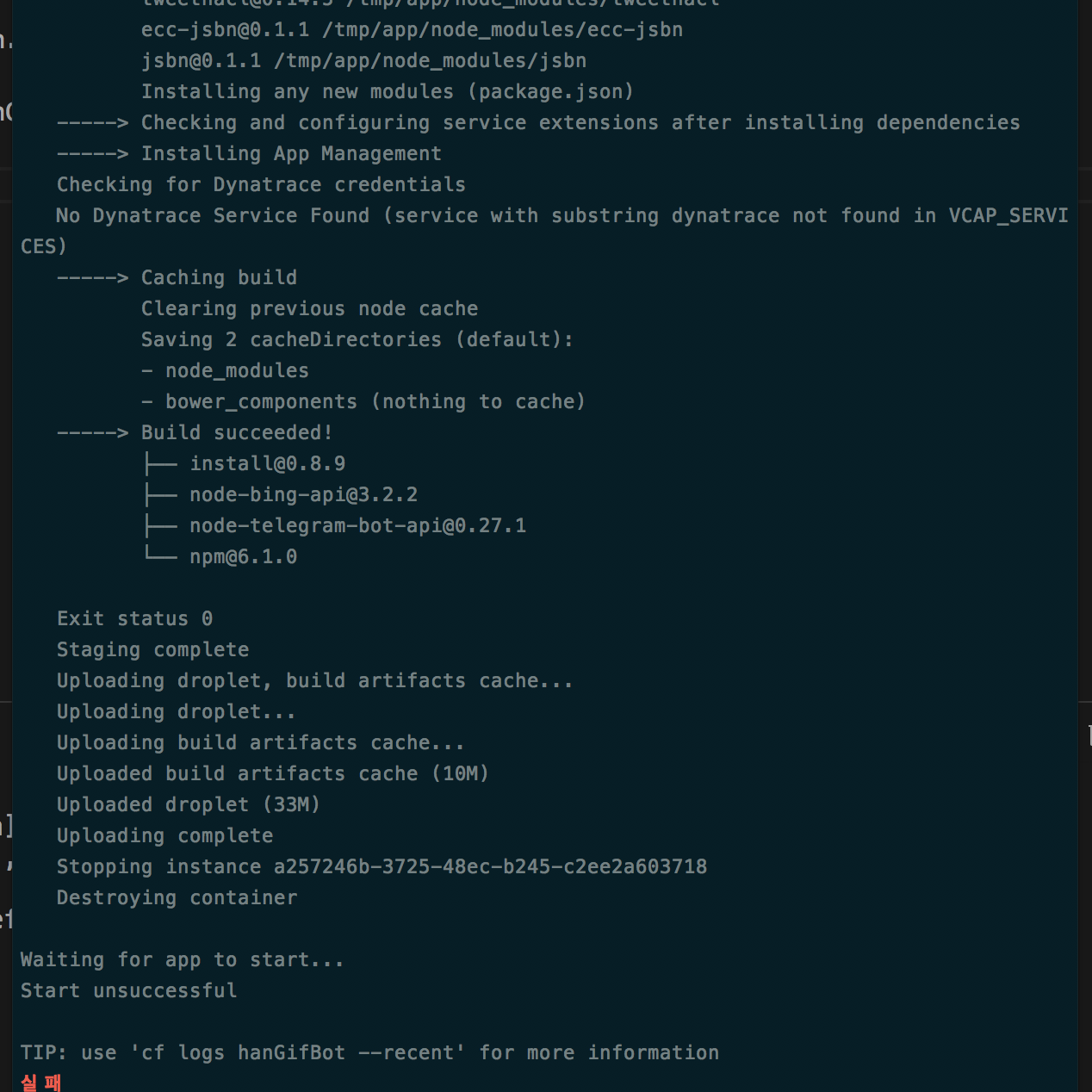
The cause is that the app I’m uploading is a chatbot. The health check shut the app down after just a minute. The command above that the getting-started guide tells you to use is a command for web apps. So we have to do this instead.
# Turn off the health check.
ibmcloud cf set-health-check hanGifBot none

# Turn off the route too and deploy
ibmcloud cf push --no-route
Now it succeeded.
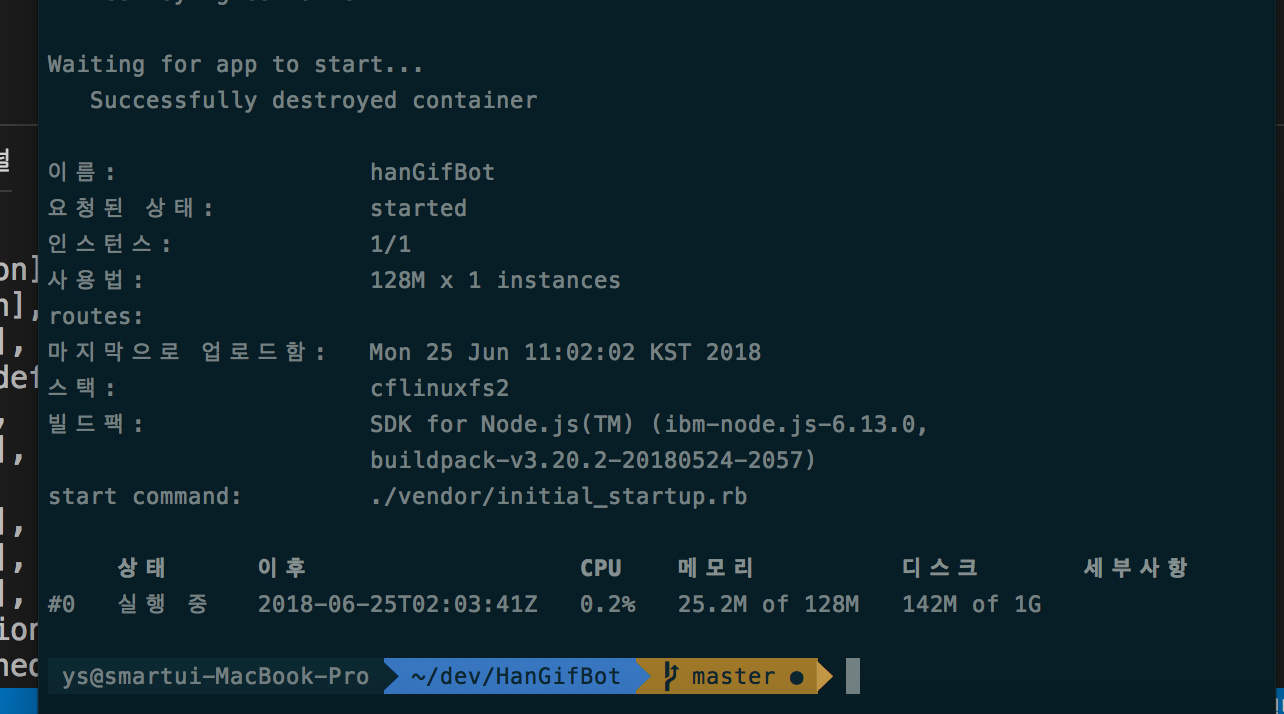
Now it runs fine! Done!
5. Wrapping Up
With IBM Cloud, you can deploy your app to the cloud (for free) just by firing off a cf push, running it exactly the way it runs on your local server, without complicated configuration. No need to worry about when to run npm install. It takes care of it for you. Done!
References
- This post is an upgraded version of Deploy Node.js telegram bot on IBM BlueMix.
1. Based on version 1.3.3 of the ibm cloud developer tools CLI.

Leave a comment