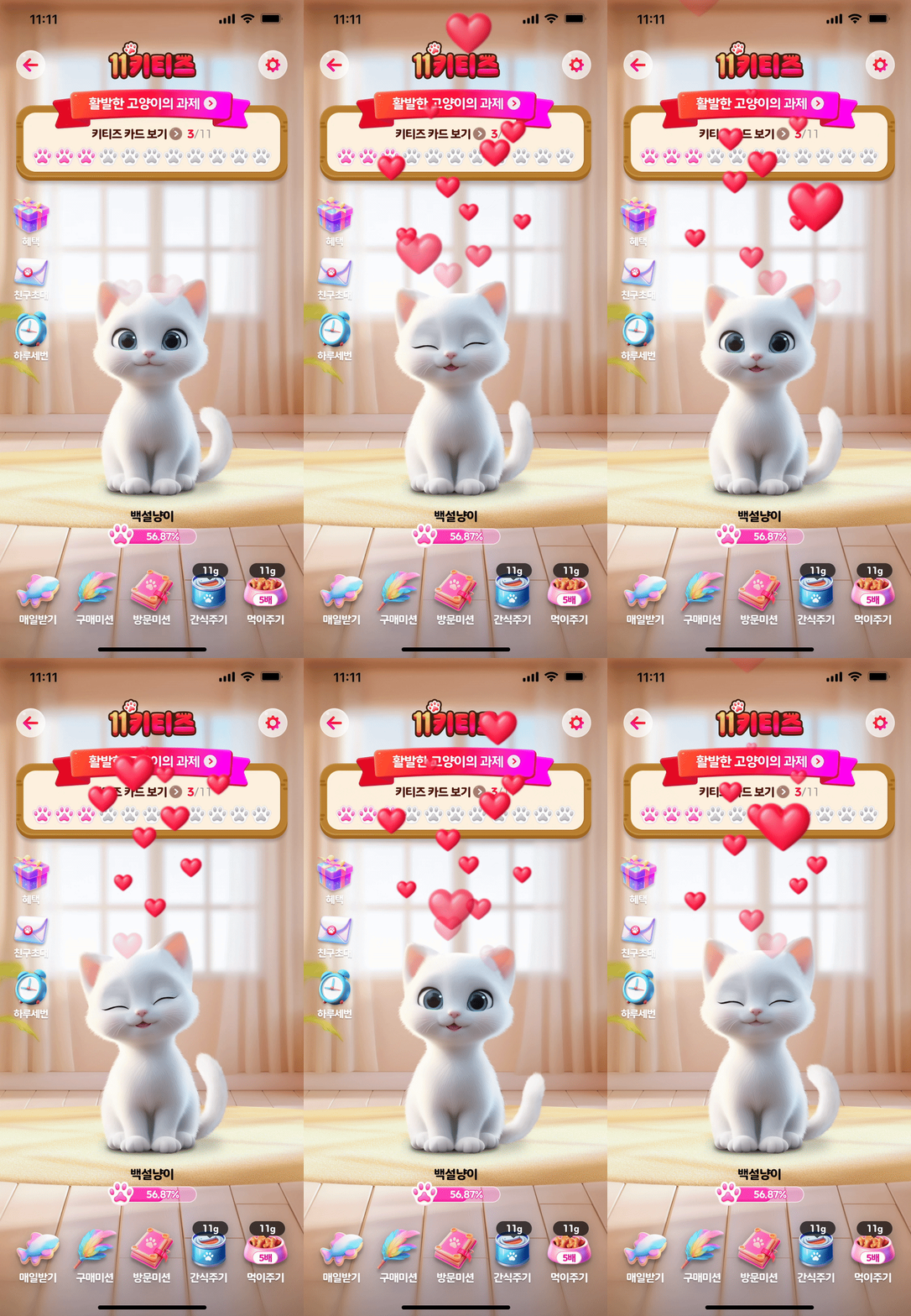

Web Game Frontend Development POC (11 Kitties)
To develop 11 Kitties, I ran a POC on the frontend and summarized the results (conducted in early 2024).
Test Target
- 11 Kitties: a web game where you raise a cat, like a Tamagotchi
- Environment: a WebView inside iOS & Android mobile applications
- Functional requirements: the player must be able to interact with the cat, which is the in-game character. The cat must respond to the user’s actions with animation and sound.
- Non-functional requirements:
- To ensure the game’s quality, high-quality images and animations (implemented as Lottie or PNG sequences) are needed
- There must be no delay caused by animation loading, etc., when interacting with the character.
11 Kitties Prototype Performance Test Results
Summary
- Fast
- Need to watch out for CPU and battery usage
Test
Test Method
- Chrome browser Performance tab
- Chrome browser Layers tab
- Chrome React Profiler
- Safari browser Timeline tab
- Devices used: Mac Pro M1 + a low-spec mobile device
No Performance Issues
- LCP: under 200ms
- Render complete: under 200ms
- FID: under 45ms on the initial image download
- Runs fine even with CPU throttling at x6
- layer
- Whether the cat, Lottie, and background layers are separated depends on the browser implementation
- Chrome: all layers separated
- Safari: only the Lottie layer is separated
- Reason the Lottie layer is separated: CSS 3D transform
- Whether the cat, Lottie, and background layers are separated depends on the browser implementation
Main Bottlenecks
Initial Load
- Observation: the only main-thread long task (under 100ms)
- Cause: downloading js and png file resources and executing scripts
- Fast by general standards. It will get heavier as more code is added later
When the Cat’s Emotion Changes, the Cat Flickers
- Cause: downloading the cat emotion png file
- Countermeasure: pre-download the cat emotion png files in advance
Notable Findings
Other Optimizations
- Observation: when Lottie runs, the cat component re-renders as well
- Cause: a problem that arises from controlling Lottie inside the cat component
- Action: separate the Lottie component from the cat component
- A request to the UI team is needed during markup work
Energy Consumption
- Energy Impact: High
- Baseline: Safari browser
- Average CPU: 38.7% (recommended usage is 3%)
- Directly tied to the battery drain rate
- Cause
- PNG animation consumes a large amount of CPU resources
- Turning Lottie off makes a difference of about 2% in CPU usage
Response
- Initial loading time
- Apply browser caching
- To avoid loading images during gameplay, multiple high-quality image files need to be downloaded on first access -> some initial loading time is unavoidable
- Show a loading screen when the game starts to buy time for image downloads
- Animation
- Character movement is handled with PNG sequence + CSS @keyframes
- Lottie is used for special effects
- High-quality image downloads
- Each character animation is about 10MB in size
- Each character needs at least 6 animations
- By optimizing the PNG images (using tinypng), we reduced each file size to roughly the 2~3MB level
Conclusion
- The demanding requirement of “high-quality animation + real-time interaction” can be fully achieved even in a mobile WebView
EOD
20250618

Leave a comment