

Initial Setup for the AWS CLI
I’m following AWS’s Build a Serverless Web Application tutorial. It’s been three years since I last touched AWS hands-on. In the meantime, it has no doubt changed a lot. Even configuring the AWS CLI was a struggle. To follow the tutorial, I put together the steps for setting up the AWS CLI so it can work with S3.
1. aws configure
After installing the AWS CLI as the tutorial instructed, I casually ran the first command: aws sync. As you can see below, it neatly throws an error.
$ aws s3 sync s3://wildrydes-us-east-1/WebApplication/1_StaticWebHosting/website s3://wildrydes-ys-a --region ap-northeast-2 # I tried to copy it
fatal error: Unable to locate credentials # but it says the credentials can't be found
For the AWS CLI to access my S3 bucket, it needs login credentials. Let’s set them up. First, add a user in IAM and obtain a key.
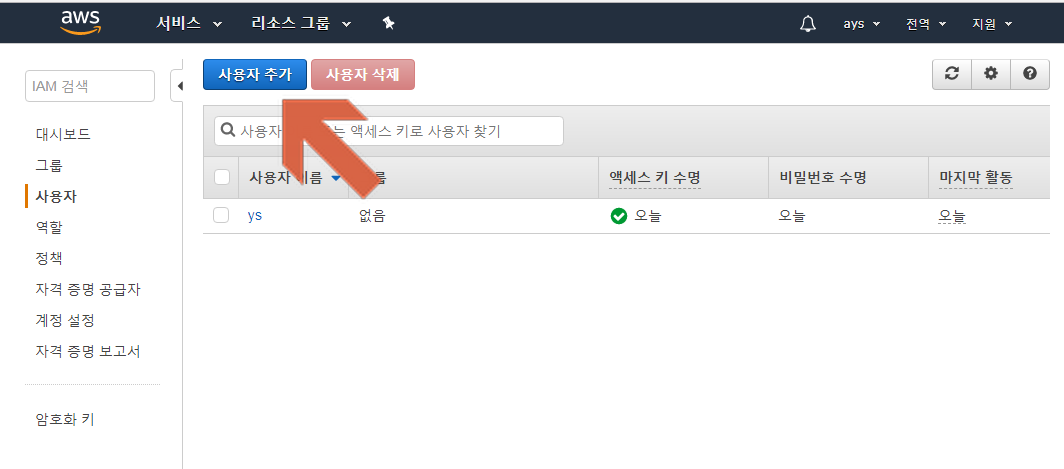
If you’re not sure how, refer to the official documentation.
Make sure to write down the AWS Access Key ID and AWS Secret Access Key you receive. You’ll need them for aws configure.
$ aws configure # let's enter the AWS CLI configuration
AWS Access Key ID [None]: my key # the key I just received
AWS Secret Access Key [None]: my secret key # the secret key I just received
Default region name [None]: ap-northeast-2 # Seoul region
Default output format [None]: json
Now the AWS CLI setup is all done.
2. Bucket Policy
But sync still won’t work.
$ aws s3 sync s3://wildrydes-us-east-1/WebApplication/1_StaticWebHosting/website s3://wildrydes-ys-a --region ap-northeast-2 # I tried to copy it
fatal error: An error occurred (AccessDenied) when calling the ListObjects operation: Access Denied # but it says I don't have permission
You need to set up a bucket policy.
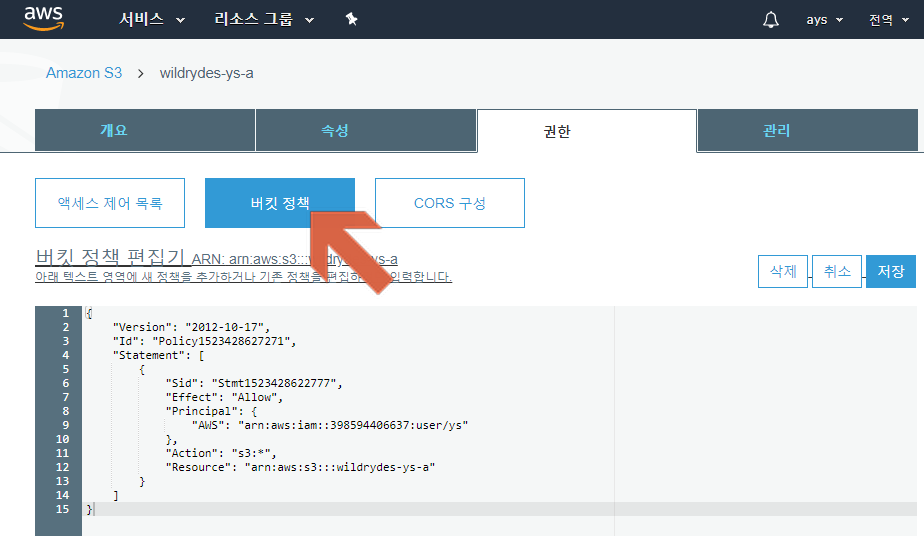
You can use the policy generator, or refer to the official documentation.
I created mine as follows.
// I set it up so that only I can access all resources in the wildrydes-ys-a bucket.
// Remove the comments before entering it
{
  "Id": "Policy1523420131398",
  "Version": "2012-10-17",
  "Statement": [
    {
      "Sid": "Stmt1523419995280",
      "Action": "s3:*", // allow anything, limited to S3
      "Effect": "Allow",
      "Resource": "arn:aws:s3:::s3://wildrydes-ys-a/*", // the target is all resources in the wildrydes-ys-a bucket
      "Principal": {
          "AWS": [
              "arn:aws:iam::398594406637:user/ys" // put the user ARN value from IAM here. This value is my ARN
          ]
      }
    }
  ]
}
If you set it up incorrectly, it won’t save. Don’t hesitate out of worry that you might enter something wrong; just go ahead and mash that save button. If you enter Principal: “*“, it becomes a public bucket.
3. Adding Permissions
But the error still persists.
$ aws s3 sync s3://wildrydes-us-east-1/WebApplication/1_StaticWebHosting/website s3://wildrydes-ys-a --region ap-northeast-2 # I tried to copy it
fatal error: An error occurred (AccessDenied) when calling the ListObjects operation: Access Denied # but it says I don't have permission
Let’s grant permissions in IAM. I just gave it AdministratorAccess permission.
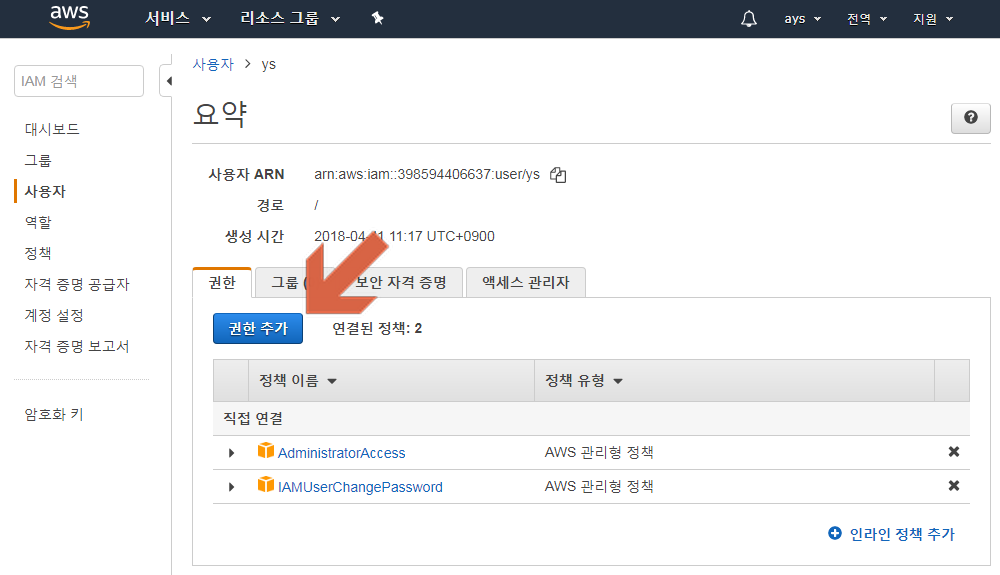
4. Done
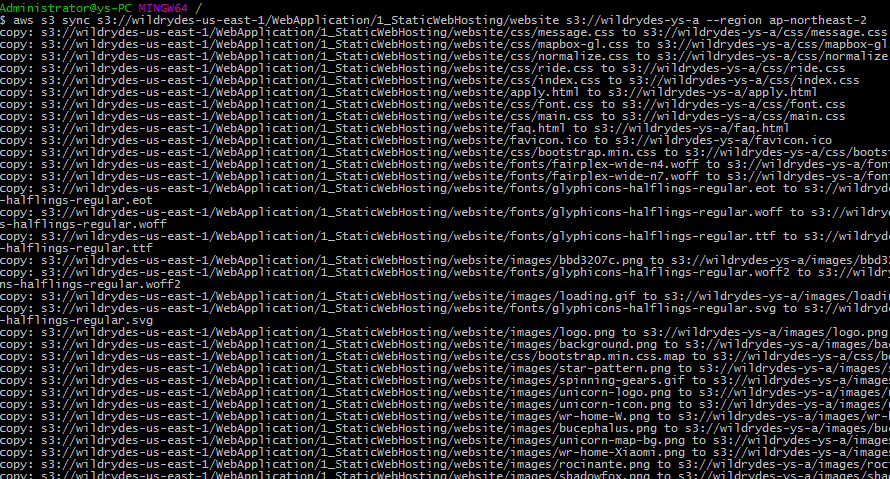
Now it works!

Leave a comment