
How to change Sea of Japan (East Sea) to East Sea in the Google Maps API
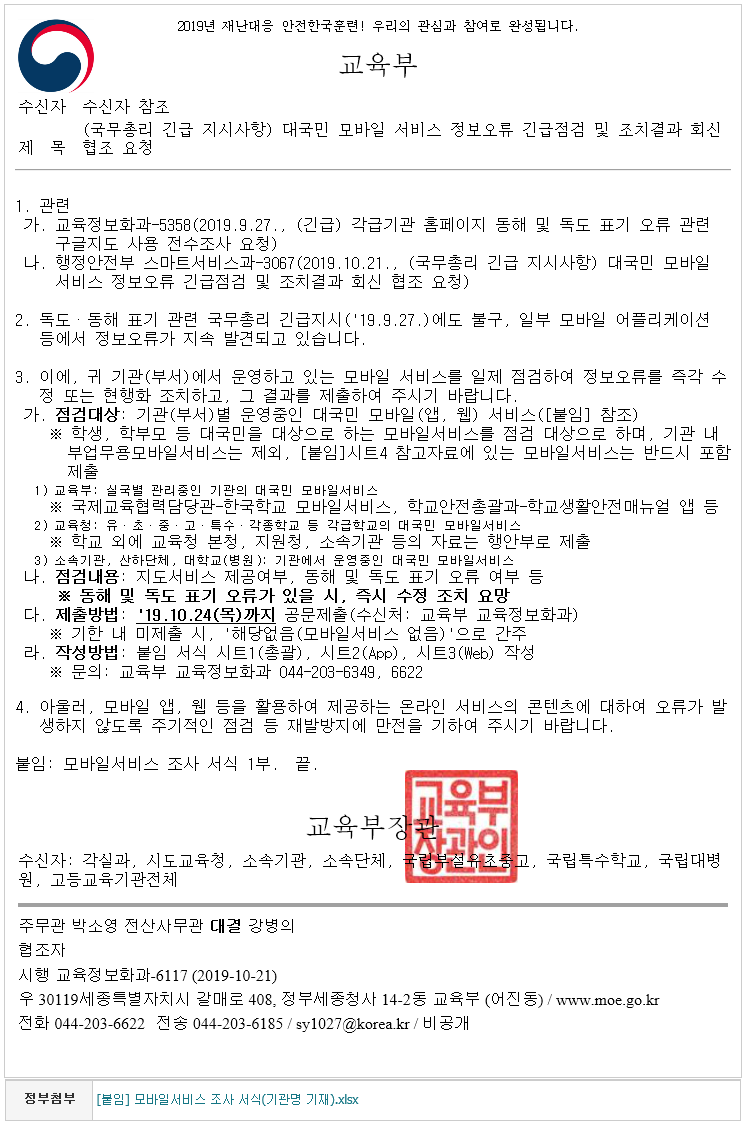
These are urgent instructions from the Prime Minister. Since Google Maps labels the East Sea as Sea of Japan (East Sea), the instruction is to fix it so that it displays as East Sea. Every mobile app connected to the government has to be updated. The deadline is two days from now.
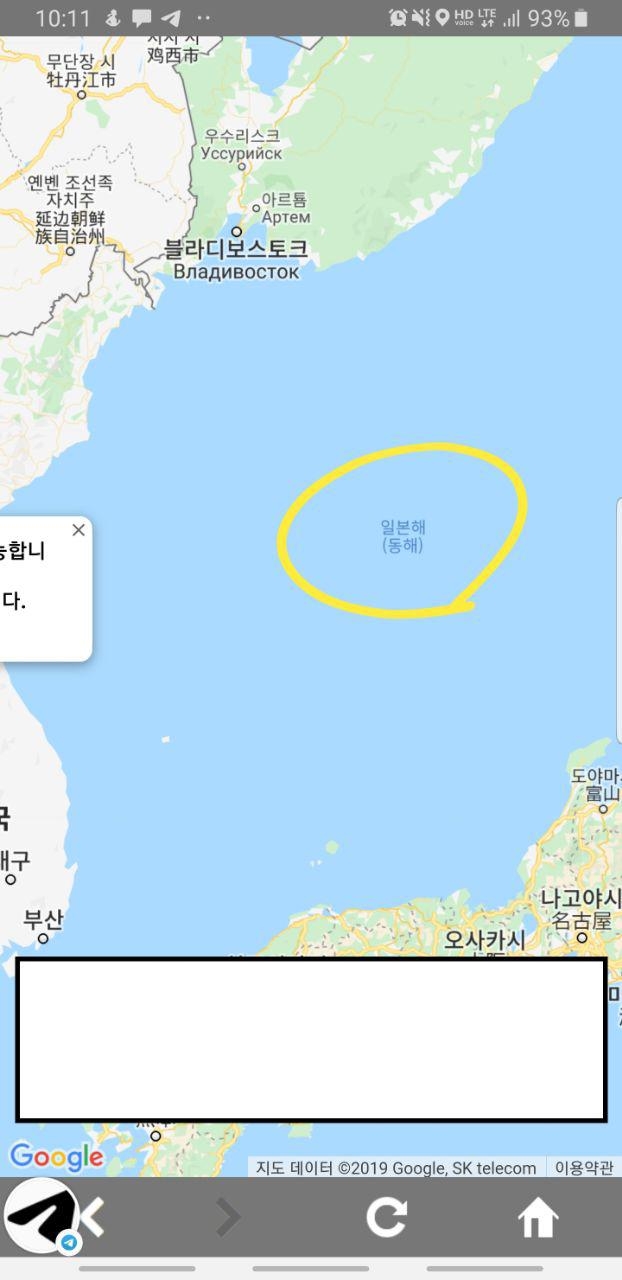
The app I’m in charge of also shows Sea of Japan (East Sea).
Fortunately, the solution is simple.
Just add region=KR to the GET parameters when calling the Google Maps API.
"https://maps.googleapis.com/maps/api/js?key=blah®ion=KR";
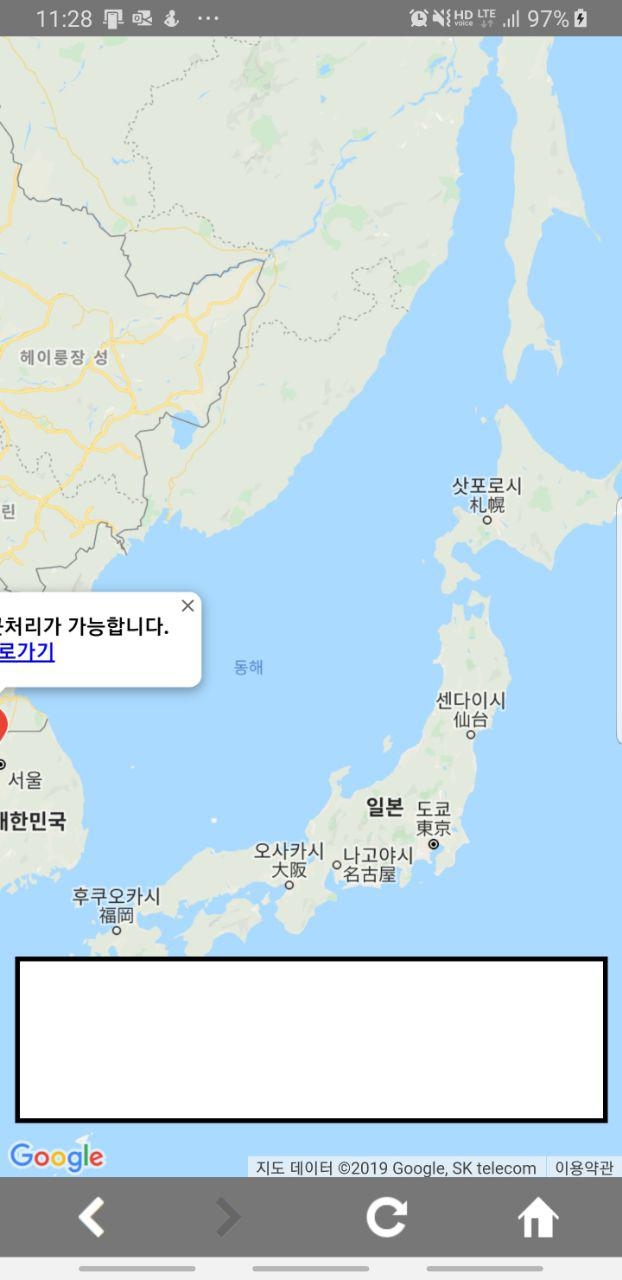
Done!

Leave a comment