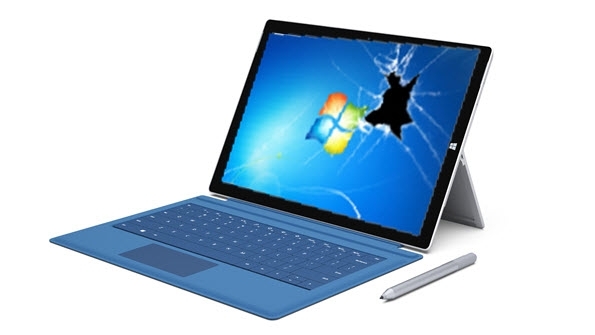

A Tale of Reformatting My Surface Pro 3
I had to reinstall the OS on my Microsoft Surface Pro 3 (hereafter “the Surface”). Conveniently, the Surface offers a variety of reinstall and reset options. But I don’t trust that kind of thing. It’s because of a painful memory from the Windows 95 days, when I rounded up 30 floppy disks, made a backup, formatted, and ended up losing everything.
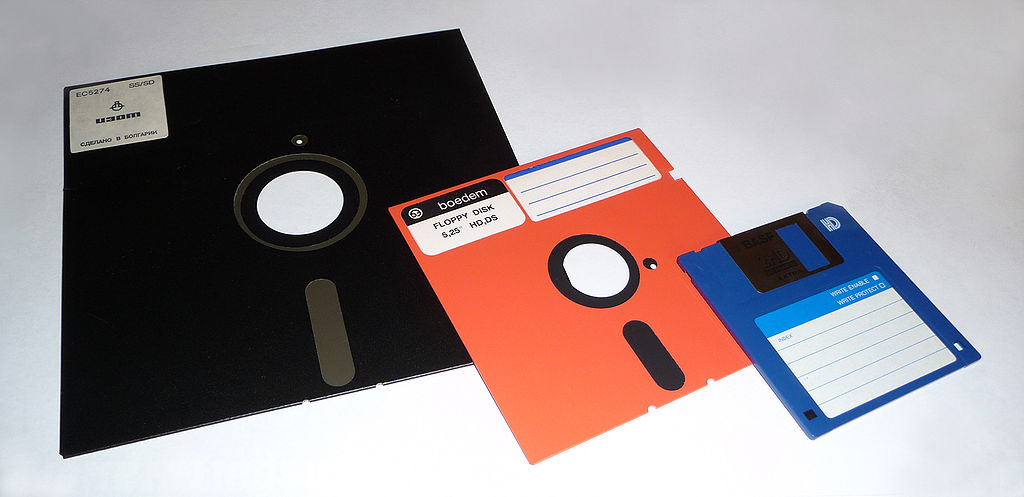 Memories of bad sectors…
I’m quick to make decisions about this sort of thing. The moment I hit it with a clean using DiskPart, the Surface returned, however briefly, to a world of peace. Then I decided to reinstall Windows 10 the way I always do. With the Surface, a clean install of Windows is a bit trickier than on other devices. Laid out in the order of operations, here’s what it looks like:
- Format the Windows installation USB as FAT32.
- Download the Windows installation files to put on the USB from the official page.
- Copy the downloaded image onto the USB as-is.
- Change the UEFI settings as follows.
- Set the boot order to USB > SSD.
- Disable secure boot control.
- Insert the USB into the Surface.
- During boot, don’t be alarmed if the screen turns red along with the Surface logo (this is because of the secure boot control setting change).
- If it doesn’t work, refer to the official Surface recovery or reset documentation.
I said it was a bit tricky above, but compared to Windows 95 or other old operating systems, it’s nothing. Everything should have gone smoothly, but for some reason this particular error kept happening to me.
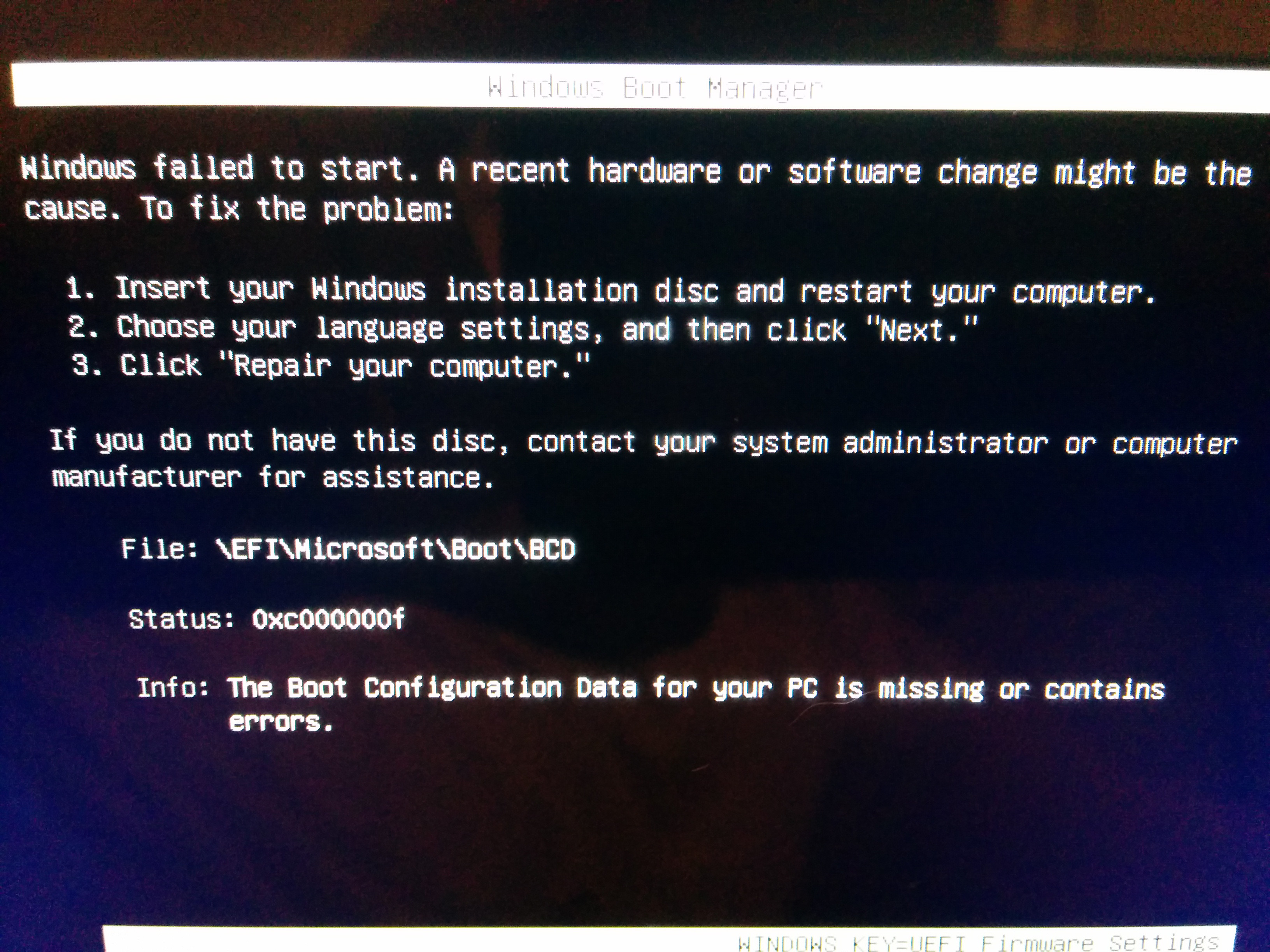
In text, the message reads like this.
Windows failed to start.  A recent hardware or software change might be the cause.  To fix the problem :
1. Insert your windows installation disk and restart your computer..
2. 3. blah blah blah..

File:  \EFI\Microsoft\Boot\BCD
Status:  0xc000000f
Info: The boot configuration data for your pc is missing or contains errors.
Once I ran into the problem above, no matter what I did, I couldn’t move on to the next step. Googling turned up nothing. At least not on the Korean-language web. So I searched in English. My search term was surface Pro3 0xc000000f boot bcd. A Q&A post came up right away, and to summarize, it said the following:
Take out the MicroSD card!
I’ll wrap up here, hoping no Korean wastes their life needlessly the way I did. _ K, you saved my life!

Leave a comment